Treasure
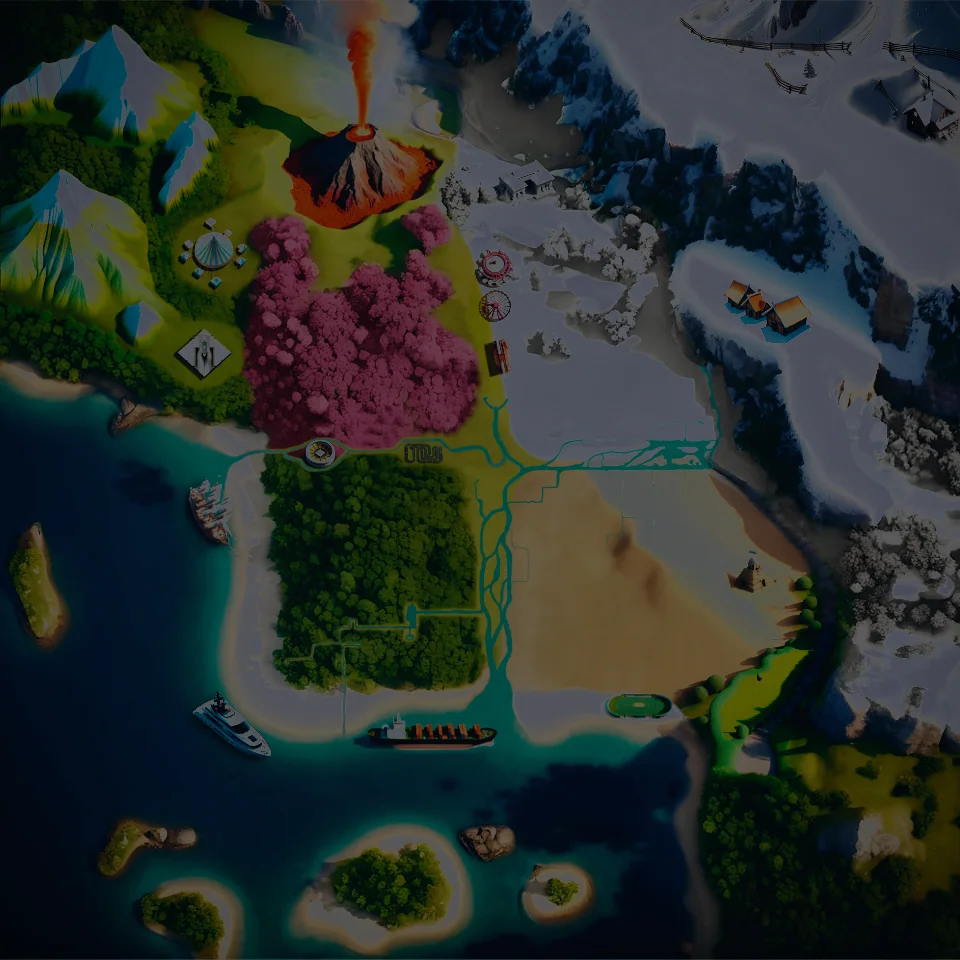
TCG WorldSearch the world blindly
With CompanionA hot-and-cold hunt on the HUD. Fun, tight, and still a challenge.
Founding membership · Windows
See where you are, plan the next route, and tend your land from one window. The challenge stays yours.
Already in the guild? Sign in
Find the world
Find beehives, insects, and the best fishing spots.
Tend the land
See which plots need care next, even with the game closed.
Land the catch
Fight instruments, a catch list, and the computers that help you land it.
The window
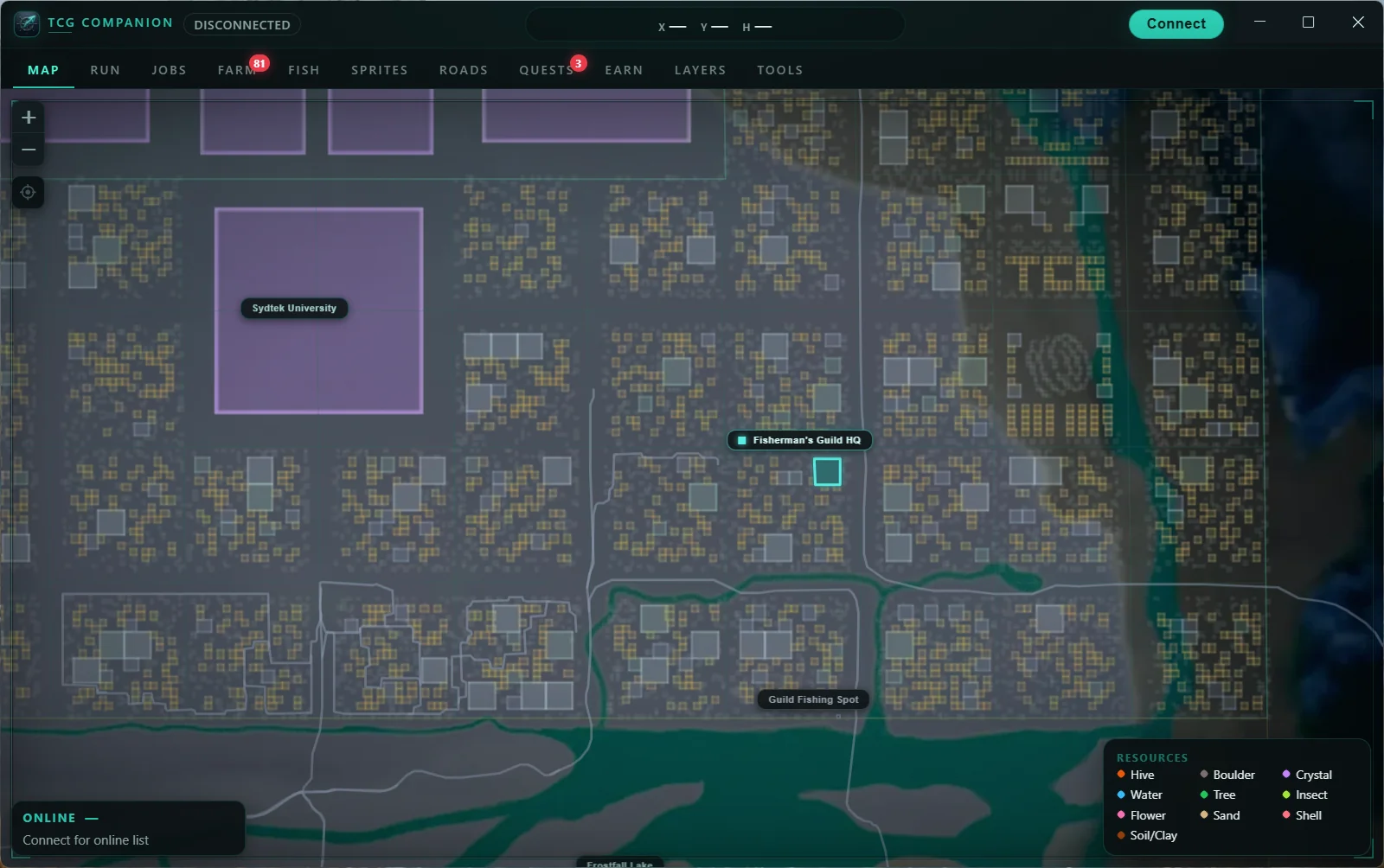
How you play
Companion sits beside TCG World. Pick the job you are in, and leave the rest off. See TCG World with Companion.
Plan the route. Fly the line.
Pick a category, set caps, and start a multi-stop path. Live distance ticks down. Collect, skip, or step back with hotkeys. Pins you already gathered drop off the next route.
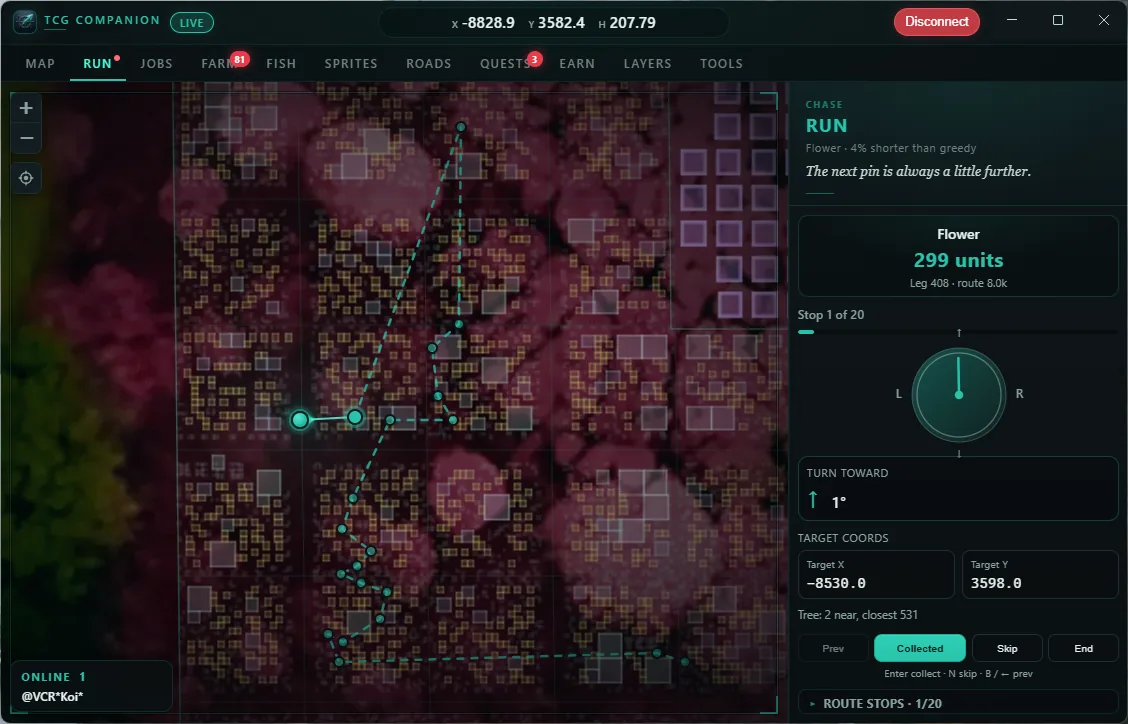
In-world
Same world, same client. Companion adds a live map, HUD, farm and fishing tools, and planned routes that stay with you while you play.
TCG WorldSearch the world blindly
With CompanionA hot-and-cold hunt on the HUD. Fun, tight, and still a challenge.
TCG WorldFly, scan, try to remember the spots
With CompanionA spawn run with a live compass. The route is planned; you still fly it.
TCG WorldOpen My Farm with K, hop plots from memory
With CompanionCare tools and which plots to visit next, even with the game closed. Push notifications are planned.
TCG WorldCast and fight with no instruments
With CompanionAn optional fishing assistant on the fight, plus stats, a catch list, and a beautifully designed HUD.
TCG WorldHeading by eye. Watch the horizon.
With CompanionLive heading on the map, and a turn-toward dial on the spawn-run panel.
TCG WorldDrive them. Get lost quickly.
With CompanionA turn-by-turn satnav HUD.
Next in the window
Companion is built to grow with TCG World. A lot more is already planned for this same window. Founding members get those updates as they land.
Hear the mission. Then fly it.
Story missions in their own tab. Companion reads the brief so you can keep your eyes on the world. You still fly, fight, and finish it.
 TCG CompanionComing soonConnect
Also on the horizon
Membership includes what we ship next. A tool joins the live list only when you can open it and use it.
Setup
Pay monthly or annual. Confirm your email and the TCG World name you play under.
After you pay, download the launcher from the confirmation page and run it once.
Enter TCG World, open Companion, and connect. The app unlocks for the name you confirmed.
Founding offer
Start a membership with your email and TCG World name. The founding price stays locked for as long as the membership stays active.
Save vs monthly
$59/ year
About two months free versus paying monthly.
By starting a membership you agree to the Terms and Refunds. Read the Privacy Policy.
Founding members keep this price for as long as the membership stays active.
Companion unlocks for the TCG World name you confirm at checkout.
Already in the guild? Sign in
Built and shipped by Fisherman's Guild for players of TCG World. Nothing installs into the game client.
FAQ
A Windows app from the Fisherman's Guild that sits beside TCG World: a live map, spawn runs, farm care, fishing instruments, road survey, and an in-game HUD.
Windows 10 and 11, 64-bit. Mac and other targets are not offered yet.
The Windows app, auto-updates, and the live tools: map and spawn runs, farm care, an optional fishing assistant with fight instruments and a catch list, HUD, roads survey, treasure sense, quests, mini-map, and photo tools. The guild site stays free: Compendium, atlas, leaderboards, Events, and Status.
Jobs with voice, Sprites, waypoints, road satnav, and farm recipes. Membership includes those updates when they ship. They are not in the live tools list until then.
No. Companion is a separate Windows app. It installs on your PC and updates itself — nothing goes into the game client. Launch TCG World, enter the world, then connect Companion so live tracking and the HUD can lock on. You can browse the map first and connect when you want tracking.
Live tracking can need a Companion update after major client changes. Companion auto-updates. Membership includes the expectation that we ship position fixes quickly when the world shifts.
Sign in with the email you used at checkout, then open the billing portal on your Companion account page. Access continues through the end of the paid period. Refunds follow the refund policy.
Start a membership. After you pay, download the Windows launcher from the confirmation page. Sign in with that email later to manage billing.
Start a founding membership, confirm your TCG World name at checkout, then install Companion and connect it to TCG World.
Already in the guild? Sign in